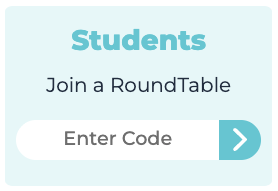
1. Enter the Written RoundTable by clicking the invite link that your teacher gave you.
If you've already been invited to the discussion, you might see it on your dashboard.
If you have an invite code, enter it at www.parlayideas.com
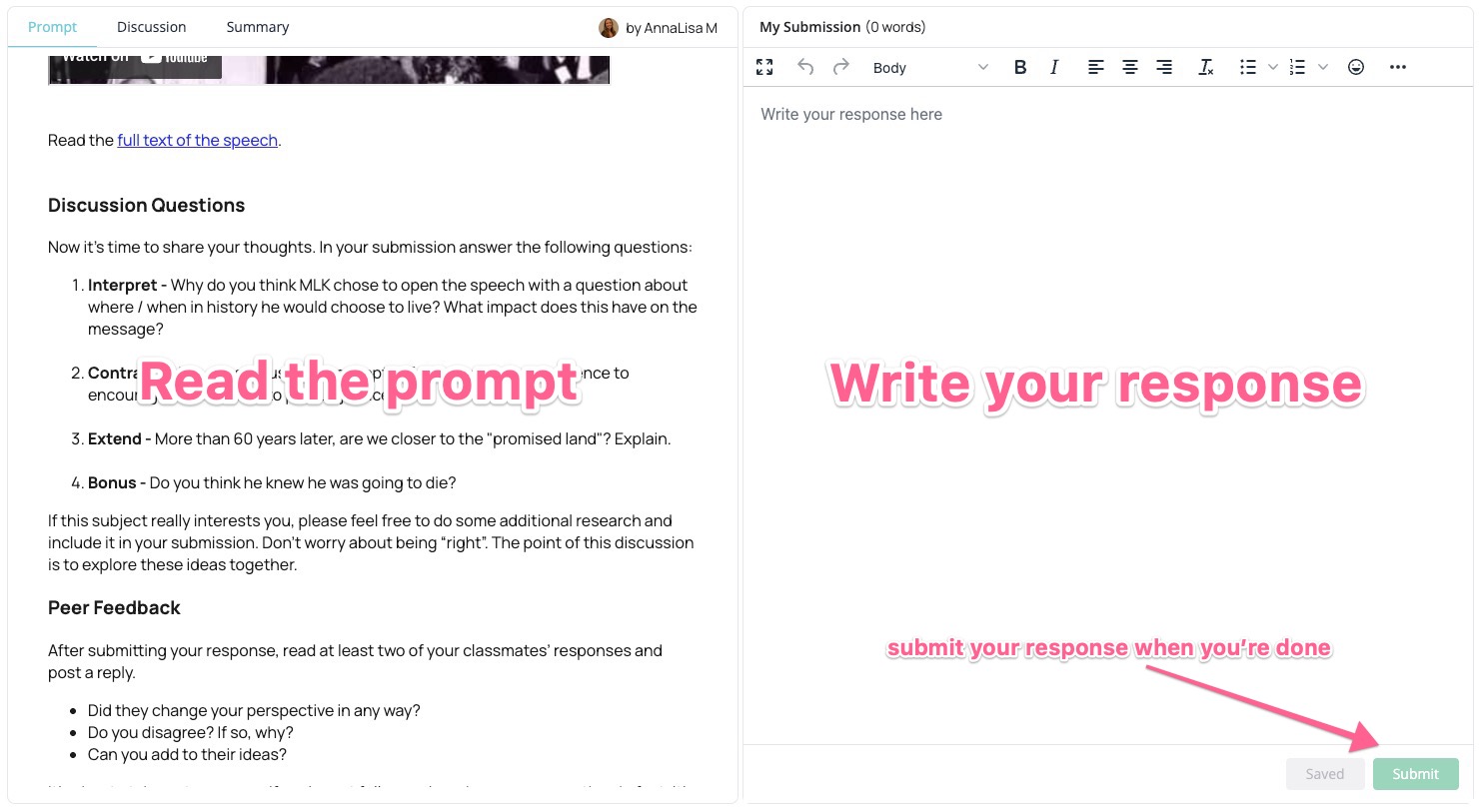
2. Read the prompt and write a response
If your teacher has secret identities on, you will see your secret identity in the top right corner.
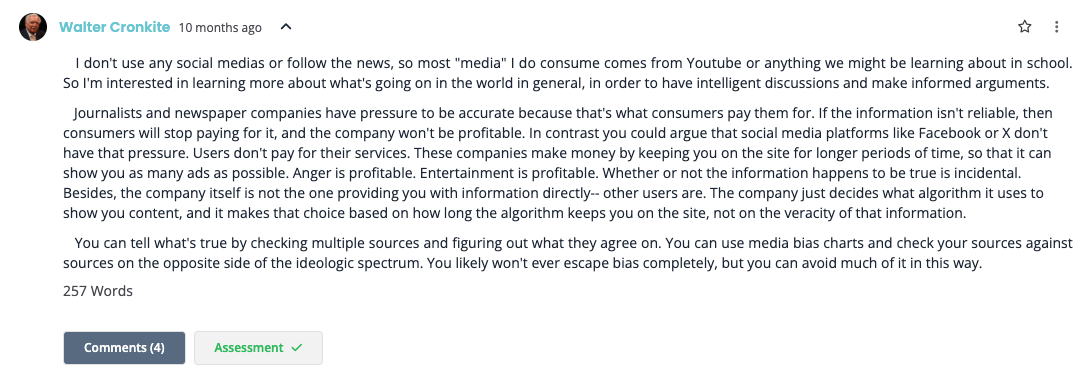
3. Read and comment on your peers' submissions!
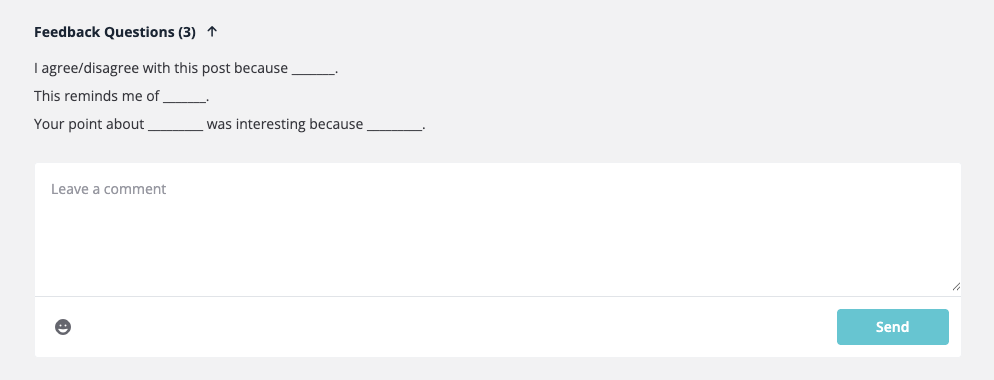
First, click a response to expand it. Read it and write a comment below!
Genuinely engage with their ideas in different ways:
- Agree and build on one idea
- Challenge with one idea respectfully
- Ask one question
Extra Notes
- If Genie AI feedback is available, you can ask for feedback by clicking the lamp icon at the bottom of your response.

